Quickstart
Requirements
Django Webhook depends on Celery for background processing. Celery is the de-facto background processing system for Django.
Django-Webhook sends each webhook within the context of a Celery task. This allows us to offload webhook logic from Django and automatically retry failed requests.
To install Celery in your Django project see: https://docs.celeryq.dev/en/stable/django/first-steps-with-django.html
Make sure that your project has a Celery worker running. This component is in charge of sending webhooks.
Installation
To demonstrate and example the below code assumes we have a model called Product in an application called Core.
You don’t have to include the code sample, any of your own models could work.
from django.db import models

class Product(models.Model):
    name = models.CharField(max_length=50)
Install the python package
pip install django-webhook
Add the app to your settings.py and whitelist models for which you want to send webhooks
INSTALLED_APPS = [
    "django_webhook"
]

# Whitelist models for which we send webhooks
DJANGO_WEBHOOK = dict(MODELS=["core.Product", "users.User"])
Run the migrations
./manage.py migrate
Test outgoing webhooks
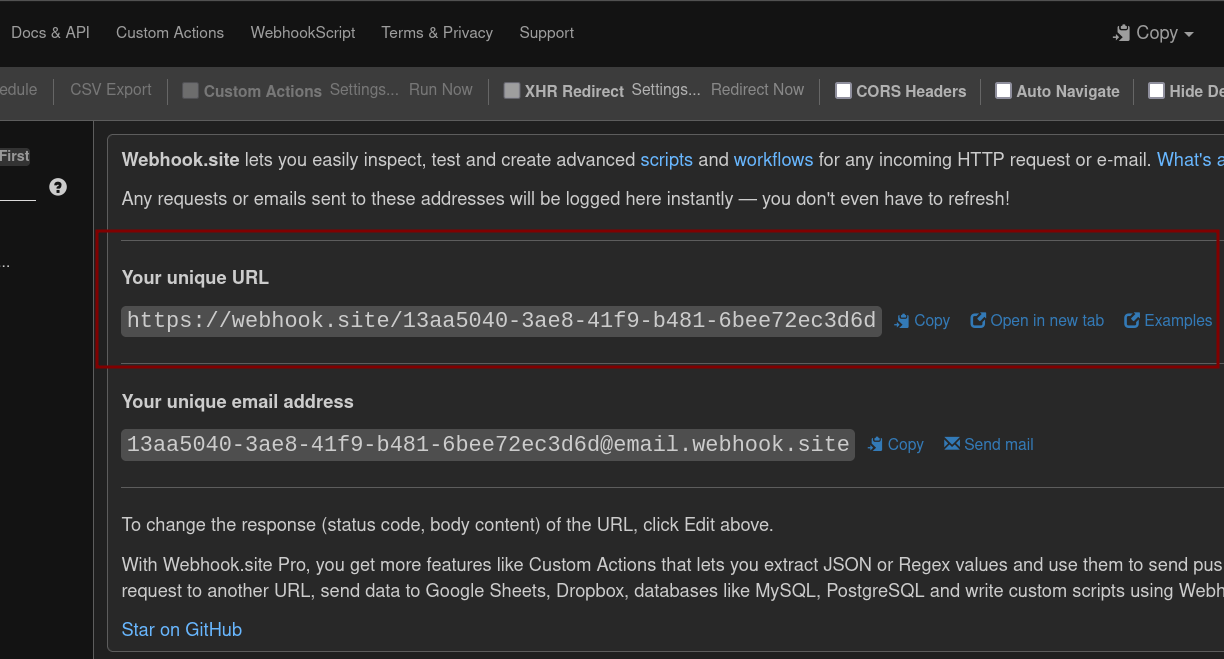
Visit https://webhook.site to create an inbox for your webhooks. Copy the unique URL which will be the destination for our webhook.
Configure an outgoing webhook for one of your models
./manage.py shell

>>> from django_webhook.models import Webhook, WebhookTopic
>>> webhook = Webhook(url="https://webhook.site/13aa5040-3ae8-41f9-b481-6bee72ec3d6d")
>>> webhook.save()
Set the topic to be triggered on create and update for your model.
>>> topics = [
        WebhookTopic.objects.get(name="core.Product/create"),
        WebhookTopic.objects.get(name="core.Product/update")
    ]
>>> webhook.topics.set(topics)
Finally create a new Product instance to trigger the webhook.
>>> from core.models import Product
>>> Product.objects.create(name="test")
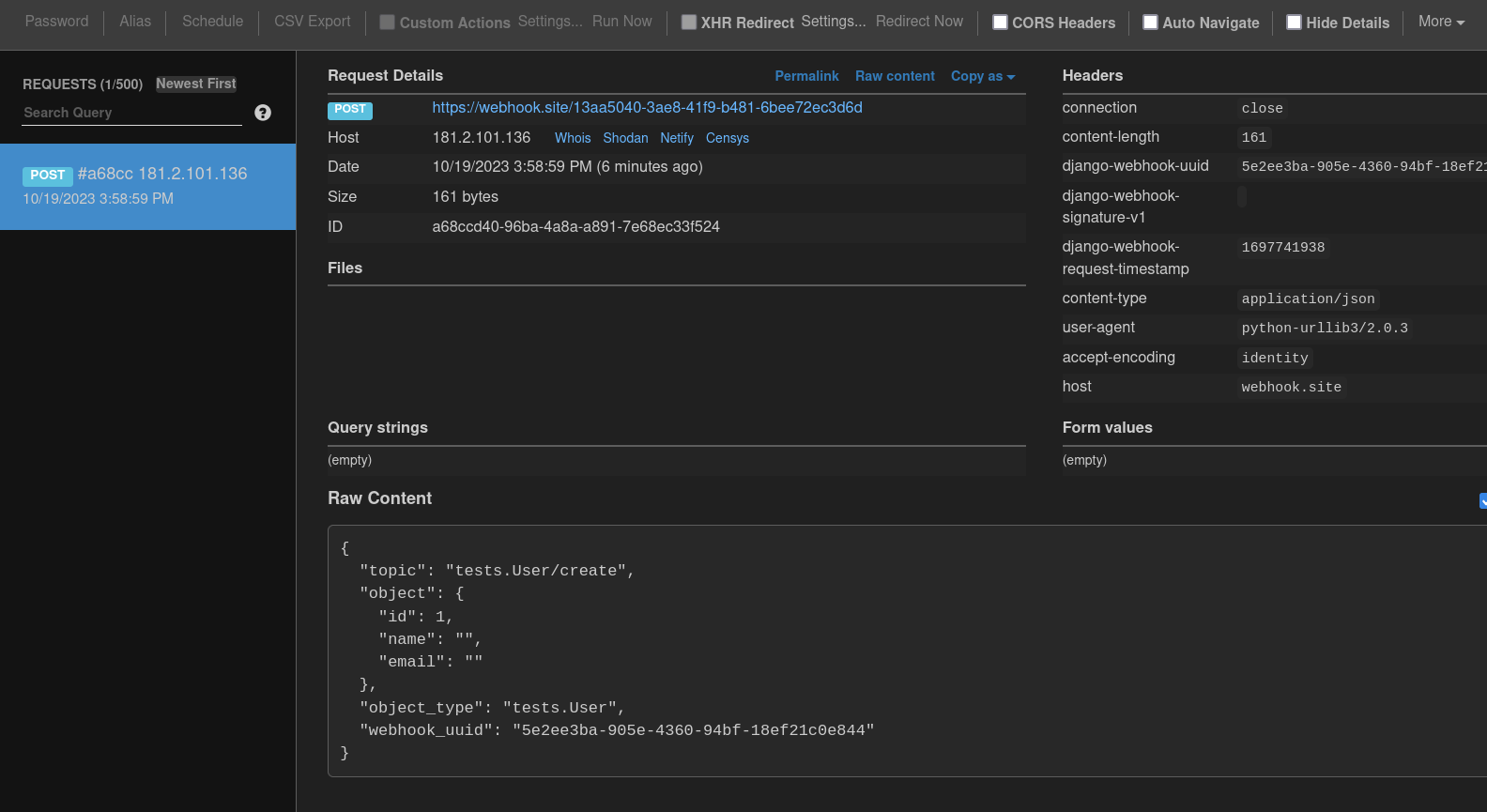
django-webhook should send an outgoing HTTP request in the following format:
POST HTTP/1.1
host: webhook.site
user-agent: python-urllib3/2.0.3
django-webhook-uuid: 5e2ee3ba-905e-4360-94bf-18ef21c0e844
django-webhook-signature-v1:
django-webhook-request-timestamp: 1697818014

{
  "topic": "core.Product/create",
  "object": {
    "id": 3,
    "name": "test",
  },
  "object_type": "core.Product",
  "webhook_uuid": "5e2ee3ba-905e-4360-94bf-18ef21c0e844"
}
Visit the page for your unique webhook where you can inspect the incoming HTTP request.